Guide: Get YouTube Premium Cheaper via Apple iTunes
With Apple iTunes, you can subscribe to YouTube Premium very cheaply. Below you’ll find a step-by-step guide including a video. It’s really easy and takes about 15 minutes.
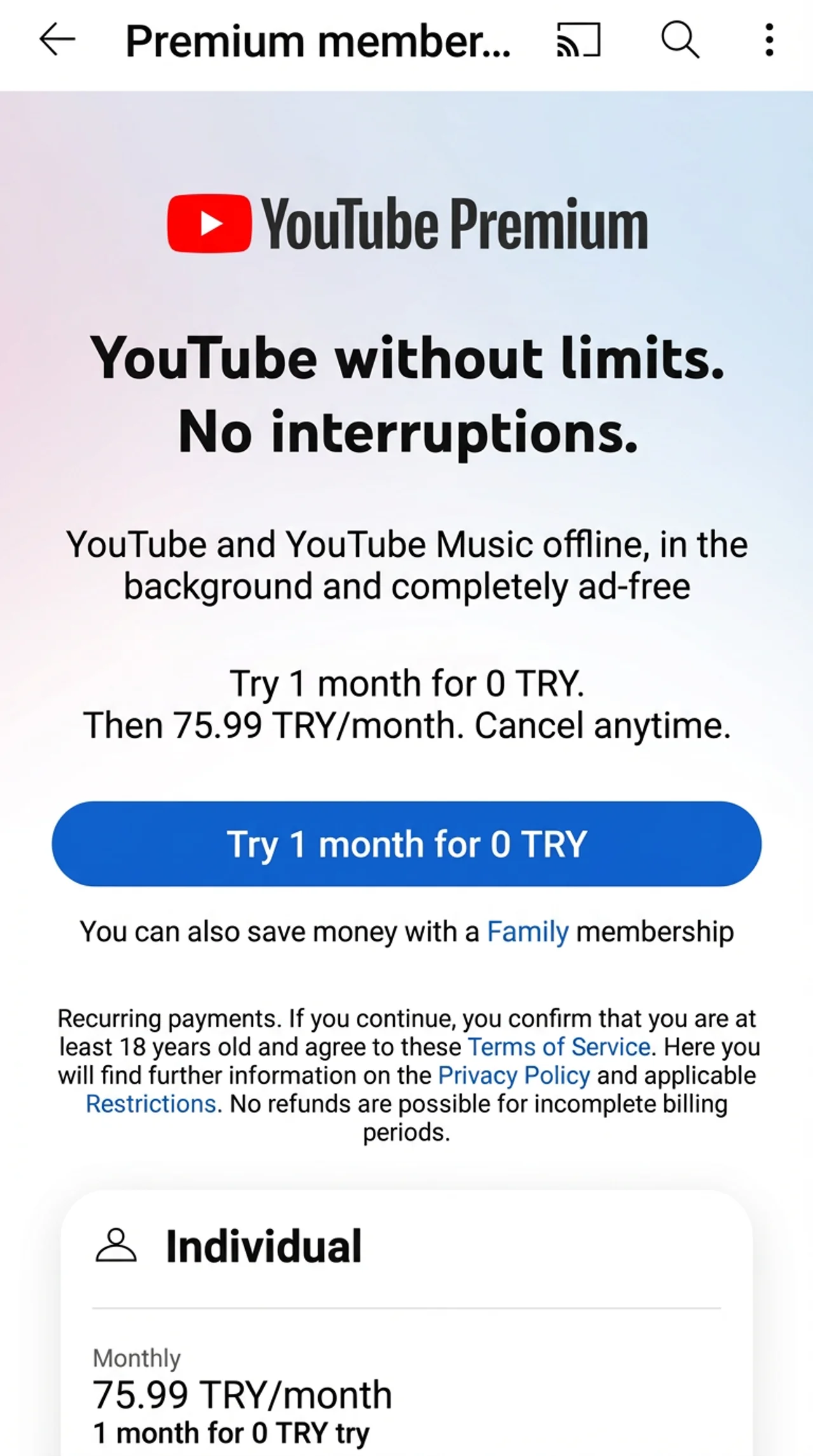
The individual plan is available from 2,46 USD/month. The family plan from 5,54 USD/month.
You need an iPhone or an iPad.
No VPN is required!
You must create a new Turkish Apple ID and temporarily sign in to the App Store with it. Nothing is lost - afterwards, you can sign back in with your usual Apple ID. Everything stays as if you never signed out.
Your YouTube login details do not change! You don’t need a new YouTube account either. Only billing runs through the new Apple ID.
Step-by-step guide
Step 1: Create a new Apple ID (Turkey)
Go to the Turkish Apple ID page
and click Create your Apple ID (top right).
On mobile devices, you may need to open the menu (>) in the top right first, so the link appears.
Select Turkey as the country. No VPN is necessary.
Enter a valid phone number. It can be from Germany, etc., and may already be used for another Apple ID (e.g., a German one).
You must use an email address that is not yet linked to another Apple ID.
If you see the error “Your Apple ID cannot be created at this time”, create the Apple ID via icloud.com. Click Sign In and then Create Apple ID in the new window. Alternatively, it can work via the Apple TV app or on PC via iTunes. I can’t say why this error occasionally appears. Sometimes waiting a bit is enough. More in the FAQ below.
Step 2: Sign in with the new Apple ID (Turkey)
Open the App Store on your iPhone/iPad and tap your initials icon (top right).
Scroll all the way down and sign out using Sign Out.
Then sign in with your new Turkish Apple ID.
Step 3: Buy an Apple top-up card
Buy a Turkish iTunes/Apple top-up card and note down the code. Below are the currently cheapest options.
Open the App Store again and tap your initials icon (top right).
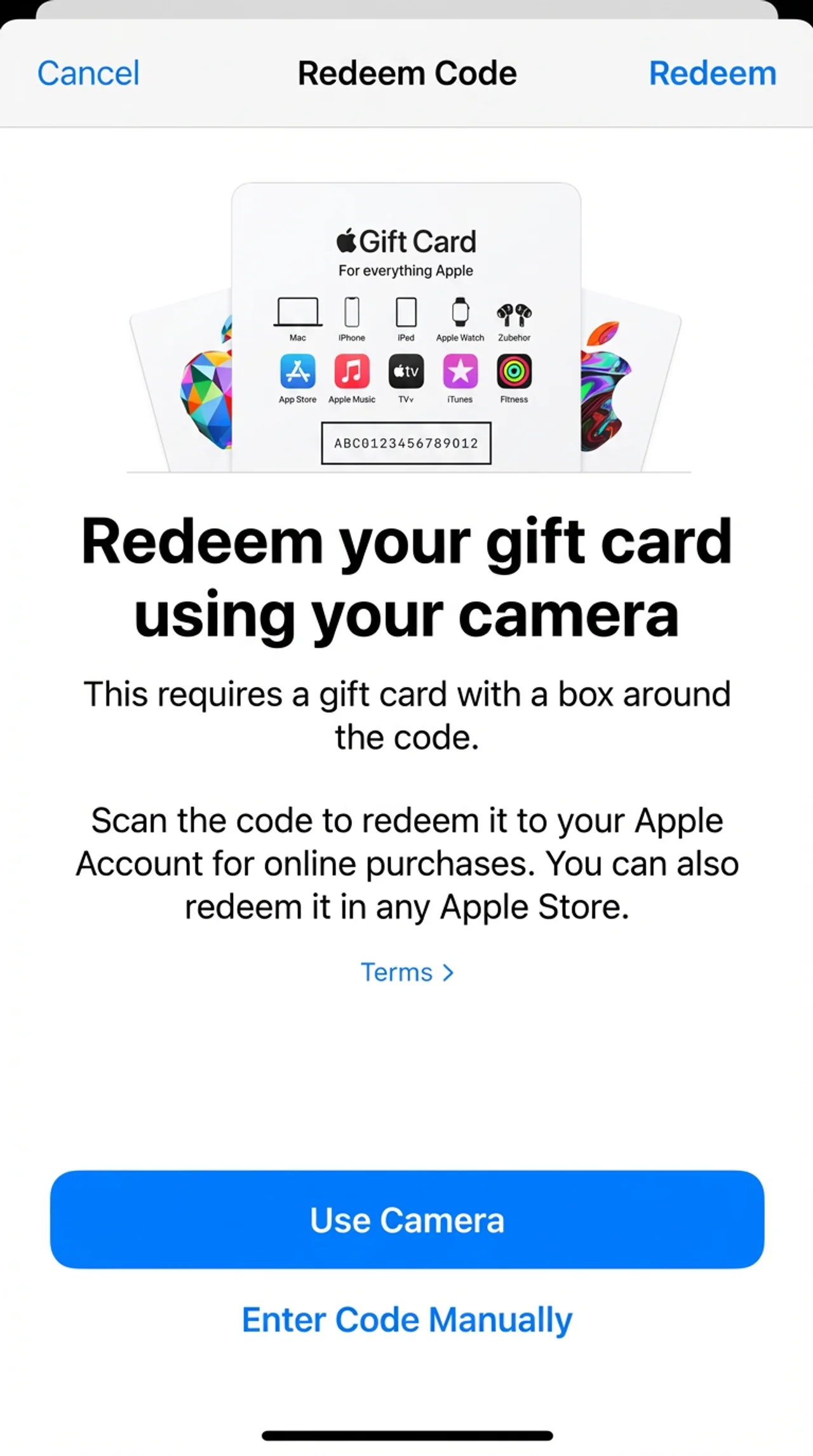
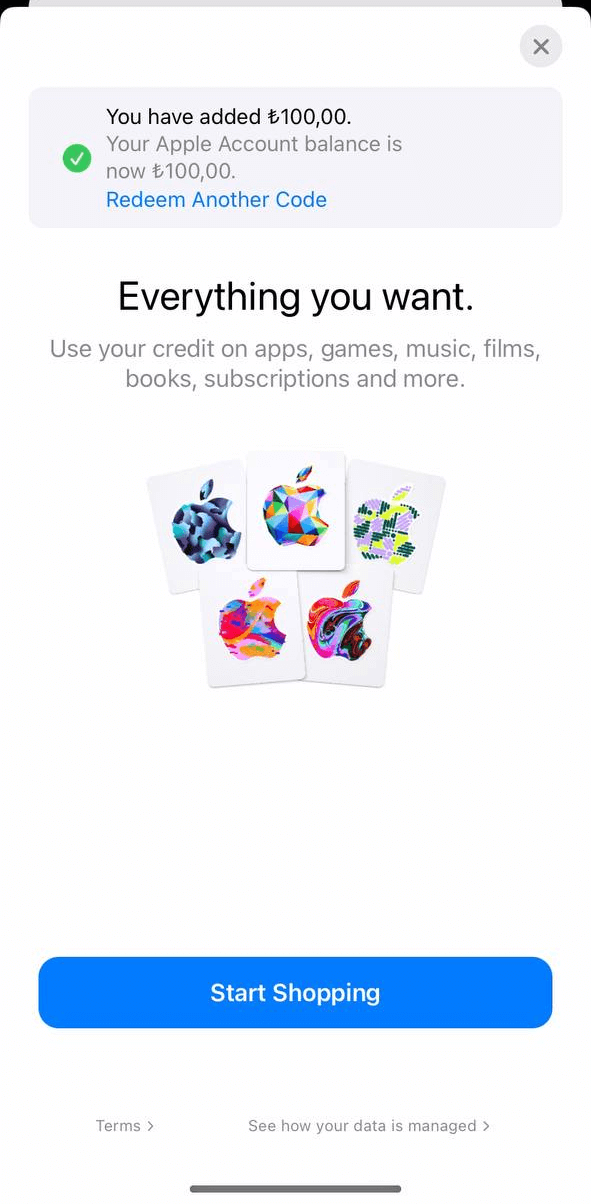
Select Redeem Gift Card or Code and enter the code to add credit.
Step 5: Subscribe to YouTube Premium
Open the YouTube app on your Apple device.
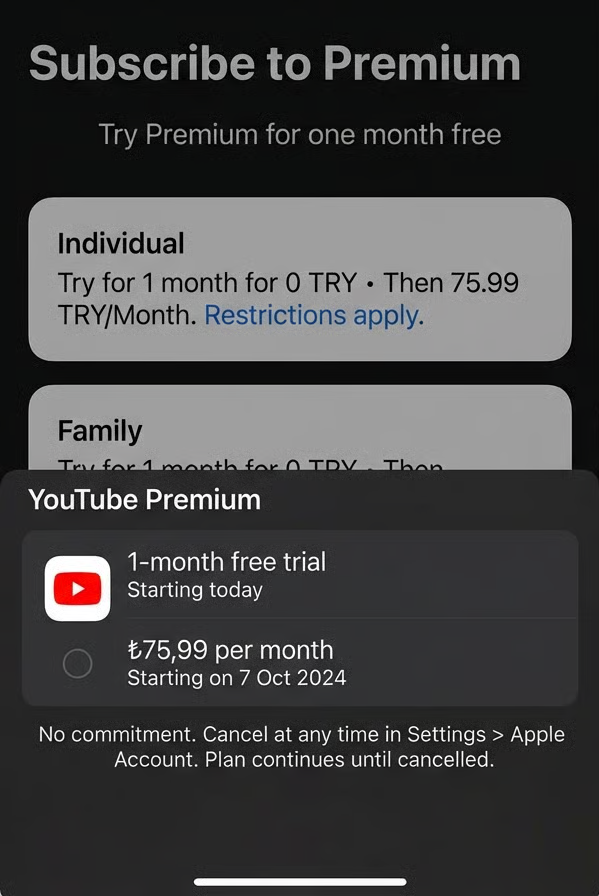
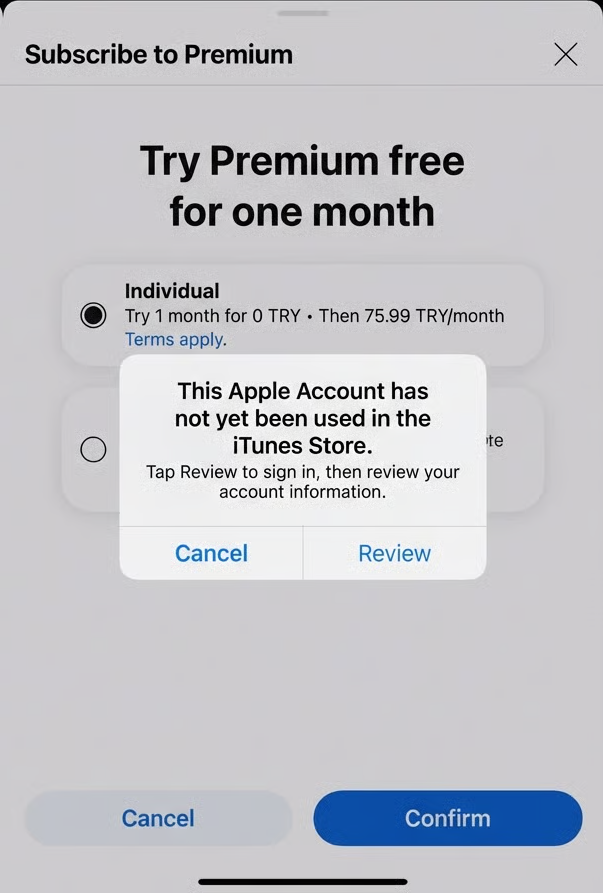
Subscribe under Your account > Settings > Purchases and memberships and complete the purchase via iTunes.
You may see a message saying your Apple account has not been used in the iTunes Store yet and needs to be set up.
Do that and enter a Turkish address. Here is a randomly generated (fictional) address you can use (street, ZIP + city, country):
Şahinler Caddesi No: 37, 65000 Van, Türkiye.
For the phone number, you can enter any number - it’s not verified.
After subscribing, you can sign back into the App Store with your normal Apple ID. If you haven’t loaded enough credit
on your Turkish Apple ID yet, it’s best to buy another top-up card first and add it. Then you’re set for a while.
Also, top-up cards keep getting more expensive and are sold out more often.
This trick works for other subscriptions too. For about 10 years, I’ve been buying via my Turkish Apple ID only:
Apple Music for €6.90/year, Disney+ for €20/year, Netflix for €5/month, Deezer for €1.20/month, MyFitnessPal for €4.50/year...
Enjoy YouTube Premium!
Frequently Asked Questions
Since I keep getting the same questions, here are the most common ones.
How long will this trick keep working?
No one can say for sure. But this method has been working for at least 10 years for many other Apple apps (with in-app purchases). Since Apple (not YouTube) handles billing here, I assume it will hopefully keep working for a long time.
I recently emailed Apple and asked whether app providers like YouTube receive information about buyers (countries, etc.) from the App Store. According to Apple, developers only have access to anonymous sales and usage statistics of their apps ;-)
Can I really sign in to the App Store with another Apple ID without losing data?
Yes! Nothing changes. All data stays intact. Apps purchased with your original Apple ID remain installed and usable. Switching the App Store Apple ID does not affect data linked to your iCloud Apple ID. Your photos, contacts, notes, and other iCloud data are not affected unless you sign into iCloud settings with a new Apple ID.
Does the trick work on a Mac?
No, unfortunately there is no YouTube app for Mac.
Is a VPN really not needed?
No!
Do I need a Turkish credit card?
No. You pay with iTunes/Apple top-up credit.
Do I need a new or Turkish phone number?
No. You don’t need a new/Turkish phone number. To create the Turkish Apple ID, you can use your German phone number - it may even already be used for another Apple ID.
I get the message “Your Apple ID cannot be created at this time” - what should I do?
The message “Apple ID cannot be created” can occur for different reasons. Here are common causes and possible fixes:
Try creating it via this page (top right: Create your Apple ID) and via icloud.com (Sign In → Create Apple ID).
Use a different email address (from a different email provider).
Use a different device to create the Apple ID.
Try a different IP connection (e.g., Wi-Fi vs. mobile data).
Sometimes Apple has server issues that interrupt the process. In that case, try again later.
Apple only allows a limited number of Apple IDs to be created on a single device. If you created several Apple IDs on the same device, you might see this error.
If you use a VPN or proxy, it can interfere with Apple’s servers. Please disable it.
Sometimes waiting a short time is enough.
Do I need to create a new YouTube account?
No. You can use your existing account - even if you previously had Premium in Germany, etc.
Do I need to create a new email address for the Apple ID?
Each Apple ID requires a unique email address. So if you want a second Apple ID, you need an email address that isn’t linked to another Apple ID yet. You can create one with Gmail, Yahoo, Outlook, or any other email provider.
What happens if I don’t have enough credit on my Turkish Apple ID?
In that case, the Premium subscription won’t renew, and you’ll receive a notice that your balance is insufficient.
Should I top up my Apple ID for several months at once?
I highly recommend it. You won’t forget, and higher-value gift cards are usually cheaper per TRY. Also, I’m seeing these gift cards getting more expensive week by week and selling out more often.
Is it legal?
Downloading and buying an app via a foreign Apple Store (e.g., using a Turkish Apple ID as a German user) sits in a legal grey area. In theory, the Turkish Apple ID could be suspended. However, no cases are known where this led to consequences. From a criminal law perspective, you don’t need to worry.
How do I cancel the YouTube subscription?
To cancel a YouTube subscription purchased via the Apple App Store, open the App Store and tap your profile picture/name to open Apple ID settings. Choose Subscriptions. Find the YouTube subscription in the list and tap it. Then tap Cancel Subscription and confirm.
Isn’t YouTube Premium even cheaper in Turkey normally?
Yes - but Apple charges developers/providers a commission of up to 30% for purchases inside the app ecosystem. To cover that, many services (including YouTube) raise subscription prices when the subscription is bought via the App Store.